
All You Need
Remember the 'KISS' Method
Keep It Simple Strategy

The Tools and Templates you need to get started and discover
your voice in the social media world.
It's free marketing, that everybody is already looking at.
get in front of your ideal clients and those that influence them.
Build your brand and online presence.
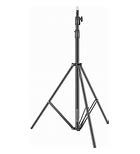
Tools
Tripod
Screw your gimbal into the tripod to make a full size standing portable recording studio.
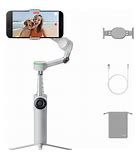
Phone Gimbal
The Ultimate hardware for selfie videos, android and IOS compatible insta360 app, with teleprompter
Editing Software
Insta 360 app to record with teleprompter, Cap Cut to Edit,
Instagram to post



AI software
Use what you're already using AI to answer questions, write scripts, or create lists.
If you're not using AI try one of these trusted programs.



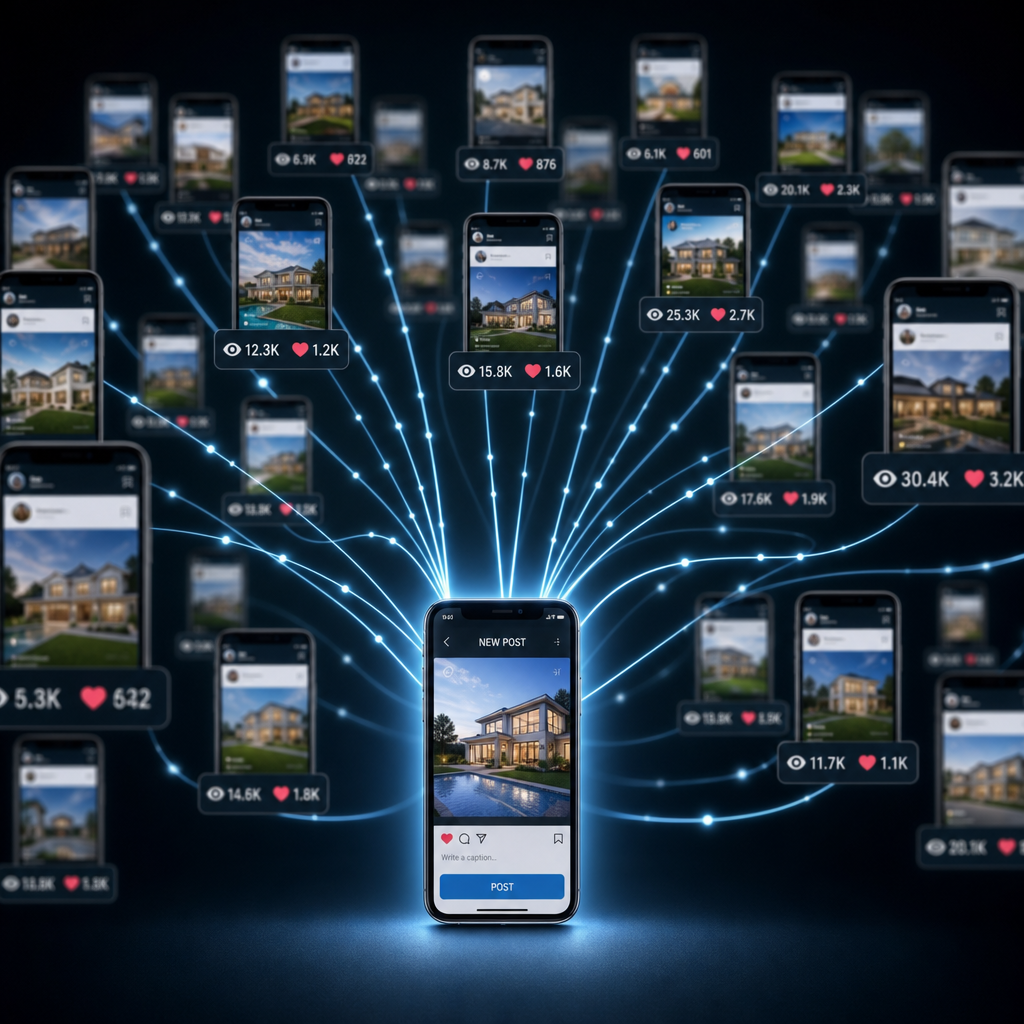
Quantity > Quality
Do More and Get Better Along the Way
Templates
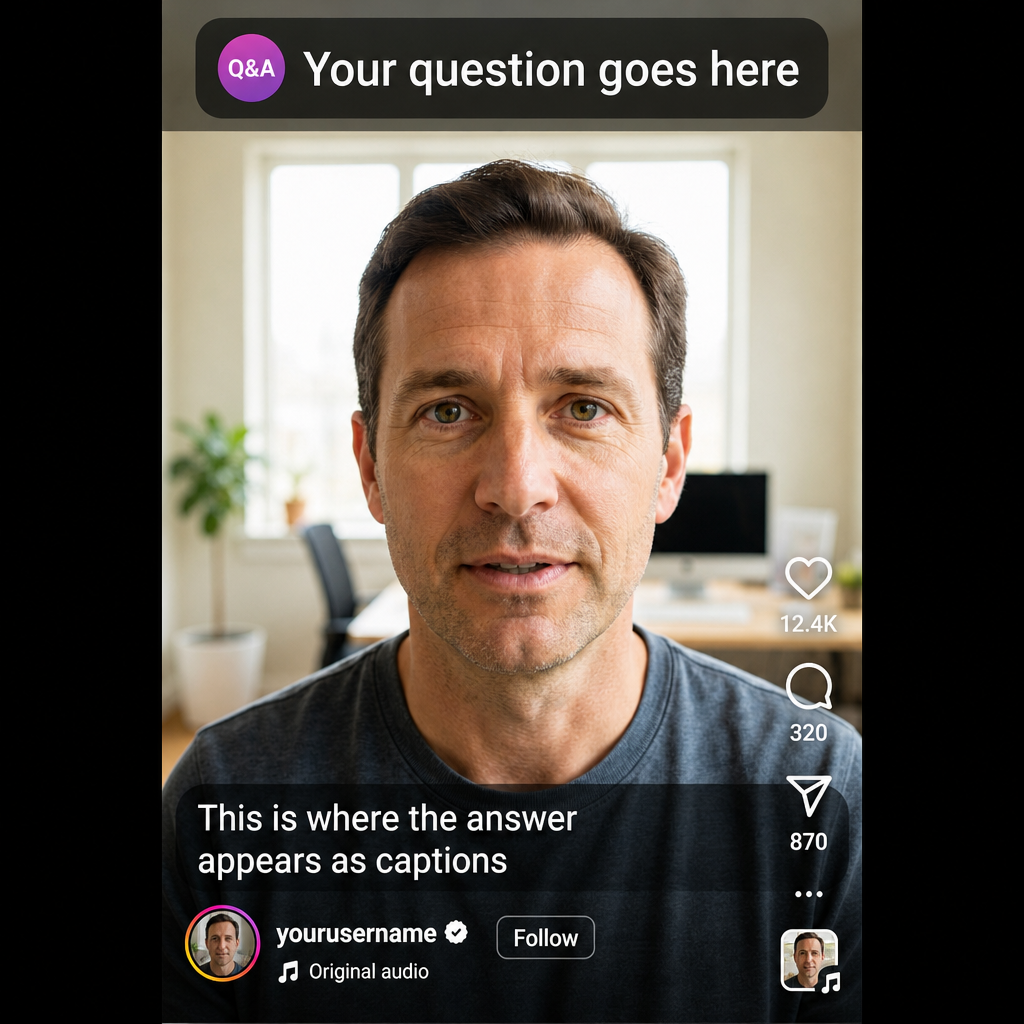
FAQ and Q&A's
Talking-Head video
Pick 5-7 questions your audience would ask, or should be asking. Keep it tight and specific. Your AI tool can generate questions, using this prompt. "Generate 100 highly-Specific FAQ questions and answers for the topic {INSERT YOUR TOPIC}.
- Make every question something a real customer, client, or beginner would actually ask.
- Mix levels: beginner, intermediate, advanced, and insider‑industry questions.
- Include questions about pricing, process, expectations, timelines, troubleshooting, mistakes, myths, and best practices.
- Keep answers short, clear, and practical (2–4 sentences each).
- Avoid fluff, generic statements, or repeated ideas.
- Organize the FAQs into 10 categories with 10 FAQs each, based on the niche’s natural topics.
- Format like this:
Category Title
Q1:
A1:
Q2:
A2:
8. ...continue until 100.
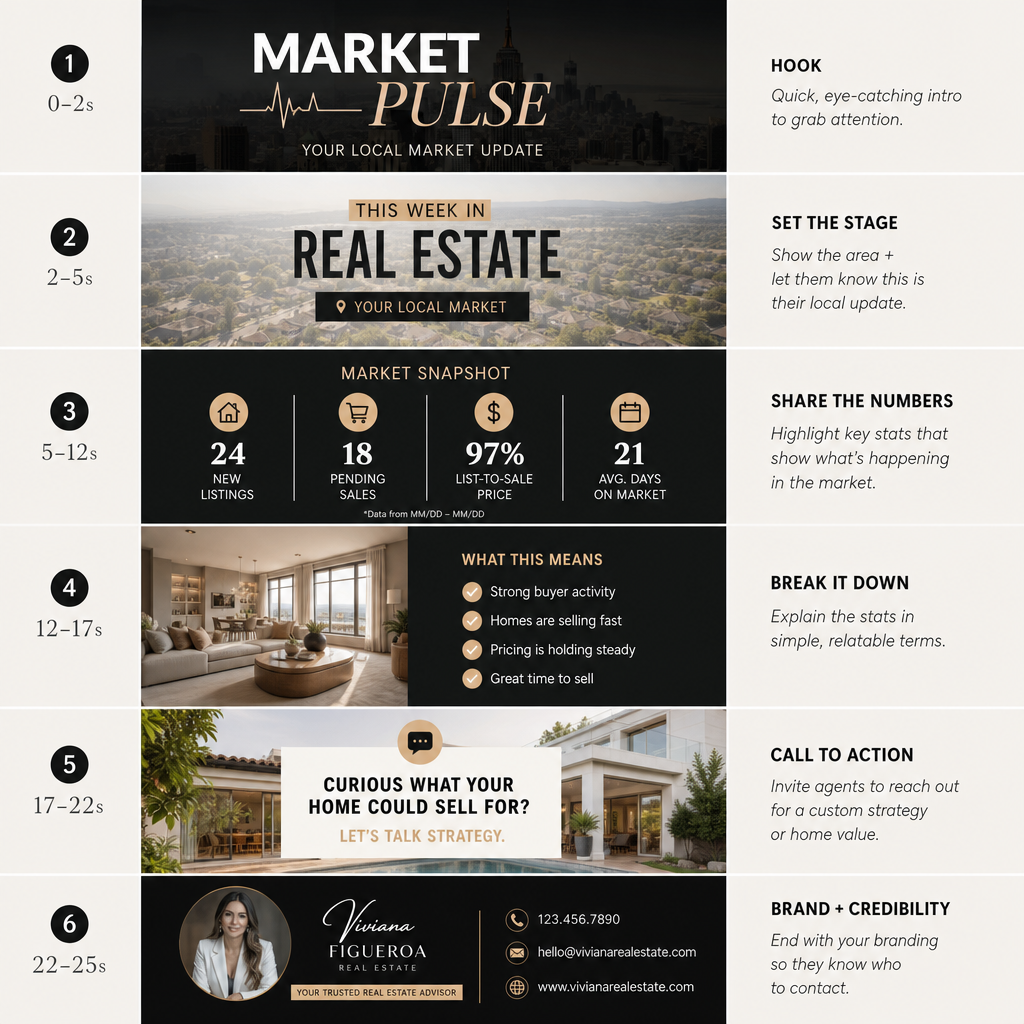
Market Pulse
Purpose: Gives agents a consistent, authority‑building post that positions them as the local expert.
Reel Structure:
- Hook (0–2s): “Here’s your quick market pulse for [City].”
- Clip 1 (2–6s): New listings this week
- Clip 2 (6–10s): Average days on market
- Clip 3 (10–14s): Median sale price
- Clip 4 (14–18s): One insight: “Buyers are moving fast on updated homes.”
- CTA (18–22s): “DM ‘PULSE’ for a full breakdown.”
Carousel Version:
- Slide 1: “This Week’s Market Pulse — [City]”
- Slide 2: New Listings
- Slide 3: Days on Market
- Slide 4: Median Price
- Slide 5: Agent CTA — “Want a custom report for your neighborhood?”
Caption Template:
“Quick snapshot of what’s happening in the market this week. Save this for reference.”
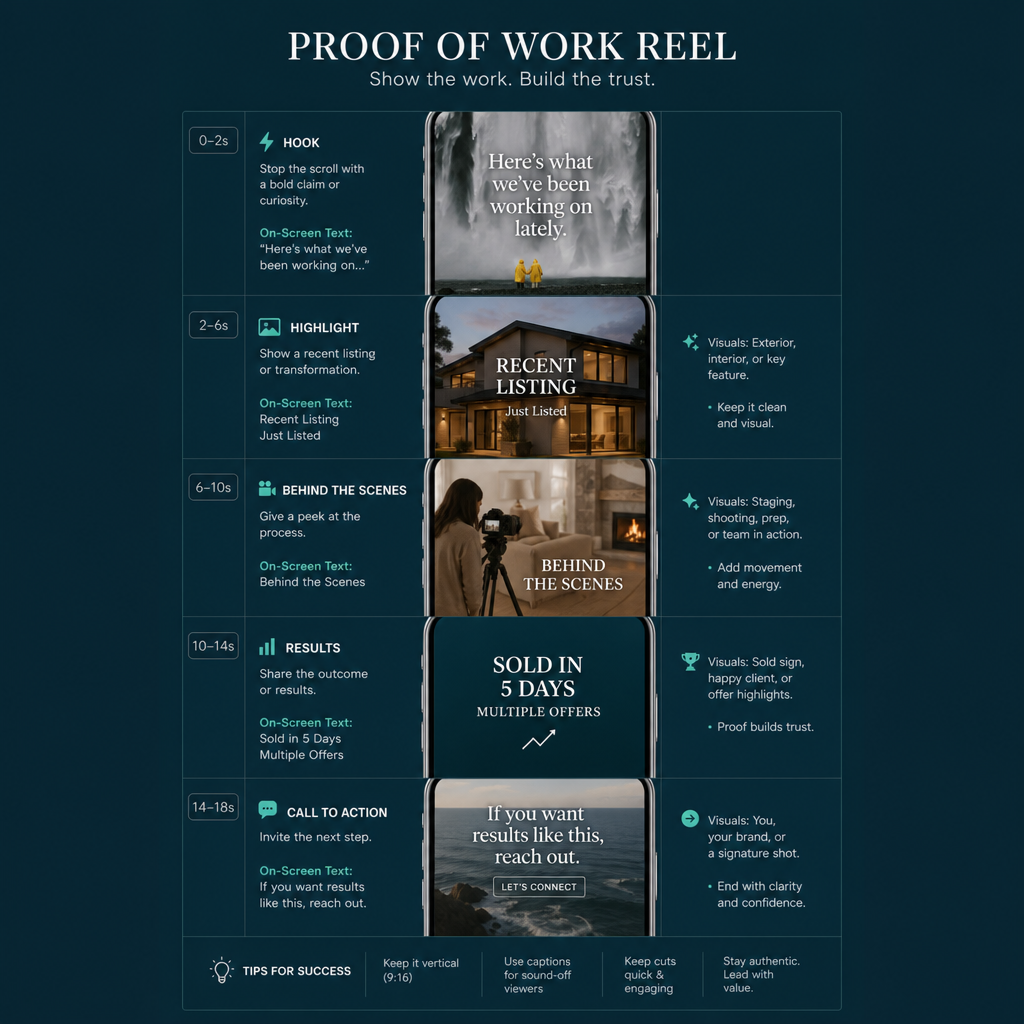
Proof of Work
Purpose: Show consistency, credibility, and momentum — without bragging.
Best used: Weekly or bi‑weekly.
Reel Structure
- Hook (0–2s): “Here’s what we’ve been working on lately.”
- Clip 1 (2–6s): Recent listing highlight (photo or 3–5s walkthrough)
- Clip 2 (6–10s): Behind‑the‑scenes moment (staging, media day, showing prep)
- Clip 3 (10–14s): A result: “Sold in 5 days,” “Multiple offers,” “Record price,” etc.
- Clip 4 (14–18s): Agent on-camera: “If you want results like this, reach out.”
Carousel Version
- Slide 1: “Recent Wins + Client Results”
- Slide 2: Listing highlight
- Slide 3: Behind‑the‑scenes
- Slide 4: Result snapshot
- Slide 5: CTA — “Let’s make your home the next success story.”
Caption Template
“Consistency builds trust. Here’s a look at what we’ve been helping clients achieve.”
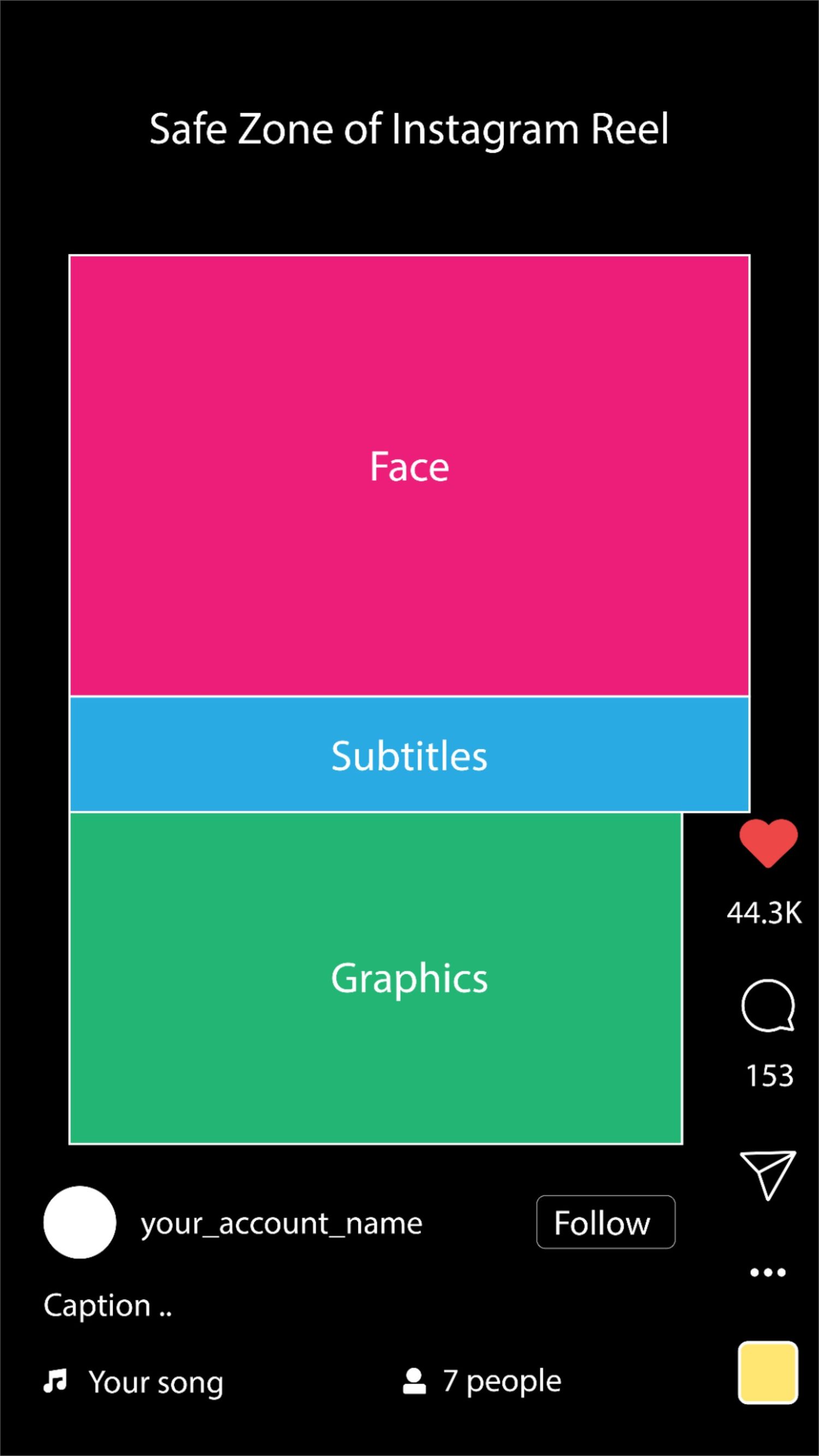
Layout
Quick Setup Steps
Create a 1080×1920 canvas.
Add guides or a transparent overlay leaving 250 px space at top and bottom.
Keep faces and text centered.
Stay inside the safe zone so nothing gets covered by Instagram’s UI.
Add text between 300 px and 1620 px from the top.
This keeps captions visible and clean.
Leave 150 px margin on the right.
Avoid overlapping with engagement icons.
Export settings:
Format: MP4
Resolution: 1080×1920
Frame rate: 30 fps
🎨 Pro Tip
Use a reusable safe‑zone overlay PNG — a transparent rectangle marking the visible area. Drop it over every project so your text and visuals always stay clear.